BNB to Metamask
1
/
3
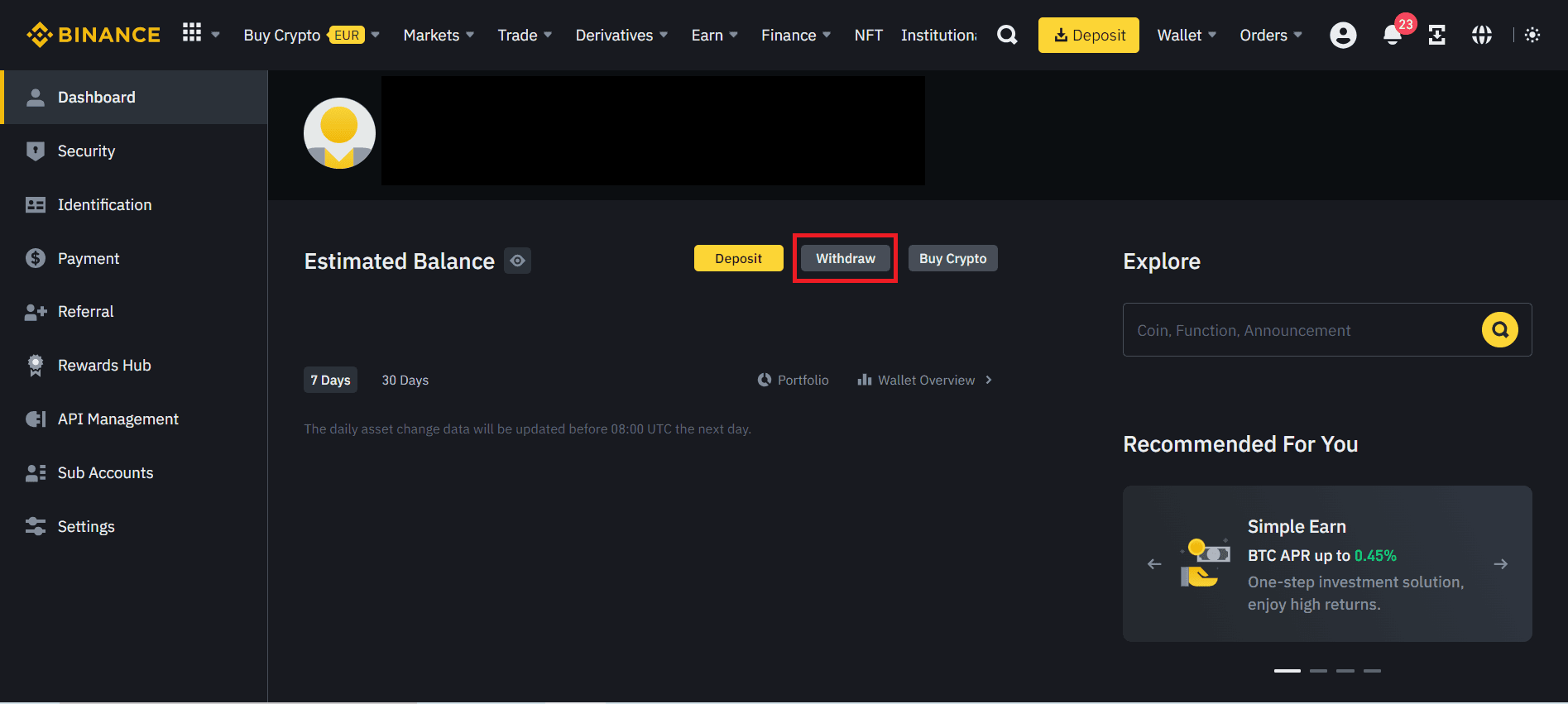
STEP 1: LOG INTO YOUR BINANCE ACCOUNT AND REQUEST THE BNB TRANSFER
Access your Binance account in your browser and go to the BNB withdrawal area.
In the withdrawal option, select Binance Smart Chain (BSC) as the withdrawal network.
Paste the BNB deposit address you copied in the previous step into the corresponding field.
Specify the amount of BNB you wish to transfer and review the transaction details to ensure they are correct.
Confirm the transaction and follow any other security verification processes required by Binance.
STEP 2: VERIFY THE TRANSACTION IN METAMASK
After completing the transaction on Binance, return to the Metamask window and wait a few moments for the transaction to appear in your transaction history.
Once the transaction is confirmed on the Binance Smart Chain network, you will be able to see your updated BNB balance on Metamask.
Transferring BNB from Binance to Metamask is a relatively easy process by following the steps mentioned above. Make sure to carefully check the addresses and transaction details before confirming on Binance to avoid any loss of funds. Once you have completed the transfer, you will be able to manage your BNB safely and conveniently in your Metamask wallet.
NEXT