Open Your Metamask Account
1
/
7
MetaMask is a cryptocurrency wallet and browser extension that allows you to interact with decentralized applications on the Ethereum network. Opening an account in MetaMask is the first step to start taking advantage of all the features offered by this ecosystem. Next, I will guide you through a simple and clear process to create your MetaMask account.
STEP 1: INSTALL METAMASK IN YOUR BROWSER
*Open your web browser (we recommend Google Chrome or Firefox).
*Visit the official MetaMask website and click the Get Chrome Extension or Get Firefox Extension button, as appropriate.
*Follow the instructions to install the extension in your browser.
STEP 2: CREATE A NEW ACCOUNT
*Once the extension is installed, you will see the MetaMask icon in the upper right corner of your browser. Click the icon to open the extension.
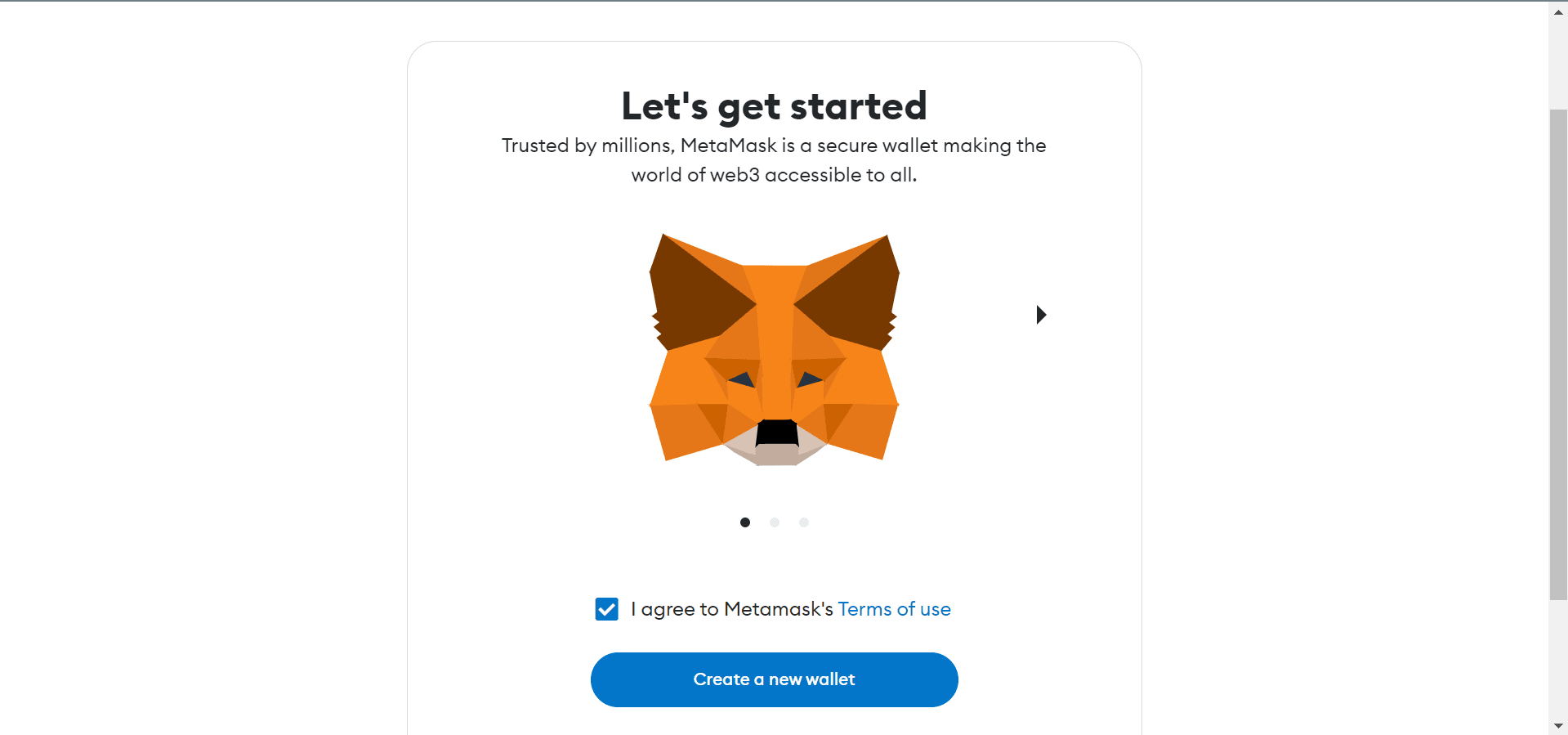
*On the MetaMask home screen, click Get Started.
*Select Create a Wallet and then click Continue.
*You will then be prompted to set a strong password for your MetaMask account. Be sure to choose a password that is unique and hard to guess. Click Create to continue.
*On the next screen, you will be shown a series of words known as a recovery phrase or seed phrase. These words are essential to recover your account in case you lose access to it. Write these words down in a safe place and never share them with anyone.
*Once you have written down the words, you will be asked to enter them in the correct order to verify that you copied them correctly.
Congratulations! You have created your MetaMask account. You can now see your wallet address, which is a unique series of numbers and letters that identifies you on the Ethereum network.
STEP 3: SET UP AND USE YOUR METAMASK ACCOUNT
*On the MetaMask home screen, you can change your account name if you want for better organization. Just click the pencil icon next to the name and choose a new name.
*To receive crypto into your MetaMask account, simply provide your wallet address to the person or platform that will send you the funds.
*To send cryptocurrency from your MetaMask account, click the Send button and enter the recipient's wallet address along with the amount you wish to send.
*Explore the MetaMask interface and familiarize yourself with the different options and features it offers. You can add custom tokens, explore decentralized applications (DApps) and more.
Opening an account with MetaMask is a simple process and allows you to access a world of possibilities in the Ethereum ecosystem. Follow the steps mentioned above and you will be ready to start using MetaMask and take advantage of all the advantages that this platform has to offer.
NEXT