Configure Metamask with BSC
1
/
7
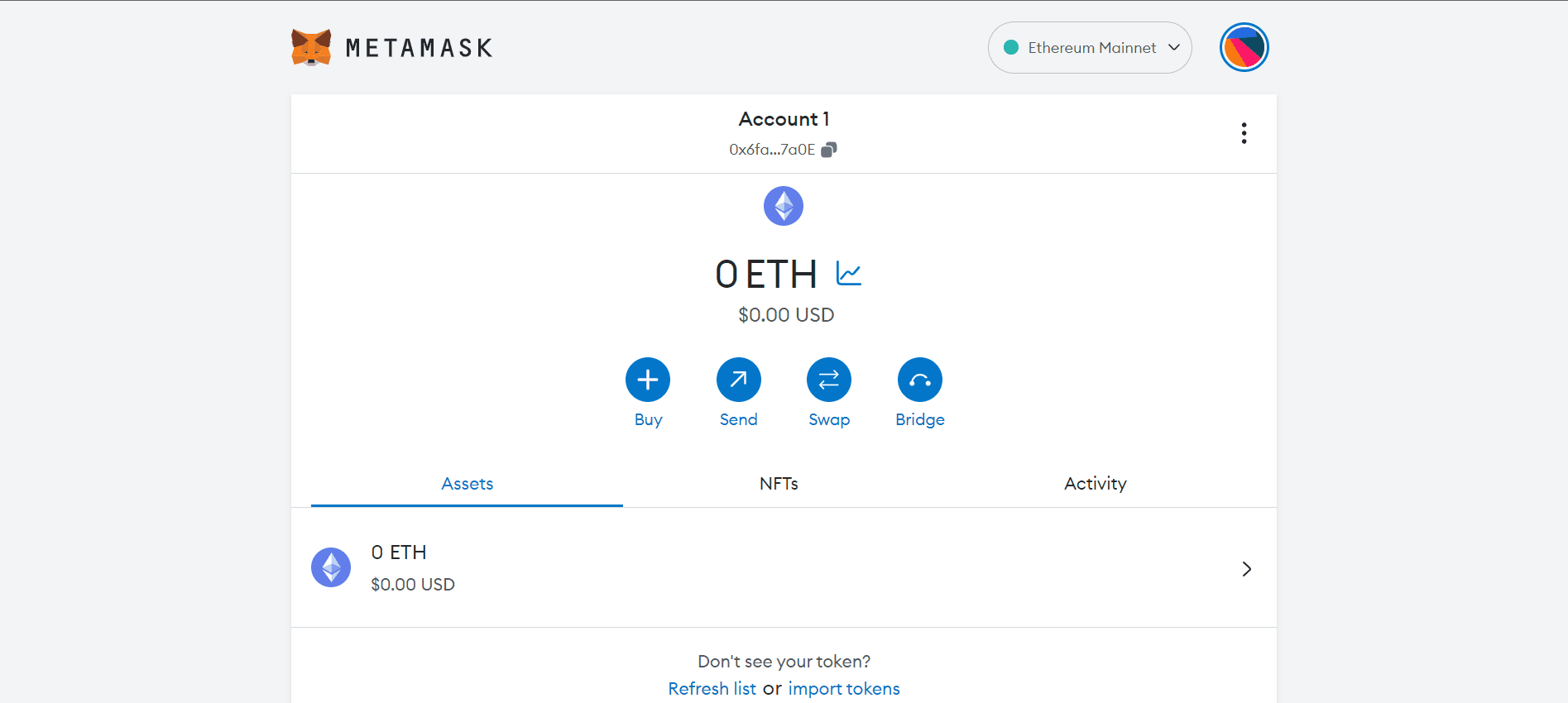
You will have noticed right away that we are still dealing with an Ethereum wallet. At best, it will not work with Binance Smart Chain DApps. At worst, you could lose your funds by sending them to addresses you can't actually use.
*Let's fix it. We must access Settings to point the wallet towards the Binance Smart Chain nodes.
*On the Settings page, we must locate the Networks menu.
*We must click on Add Network in the upper right corner, in order to manually add the Binance Smart Chain -since it is not integrated with MetaMask. It is important to note that there are two networks that we can use: the testnet or the mainnet. Below are the parameters to enter the mainnet.
MAINNET
Network name: Smart Chain
New RPC URL: https://bsc-dataseed.binance.org/
Chain ID: 56
Symbol: BNB
Block Explorer URL: https://bscscan.com
NEXT